📘 Graduate MLC Voter Registration Helpline App User Manual - Android Devices
🔷 1. Introduction
- What the app does: Helps with Graduate MLC voter registration and provides local updates.
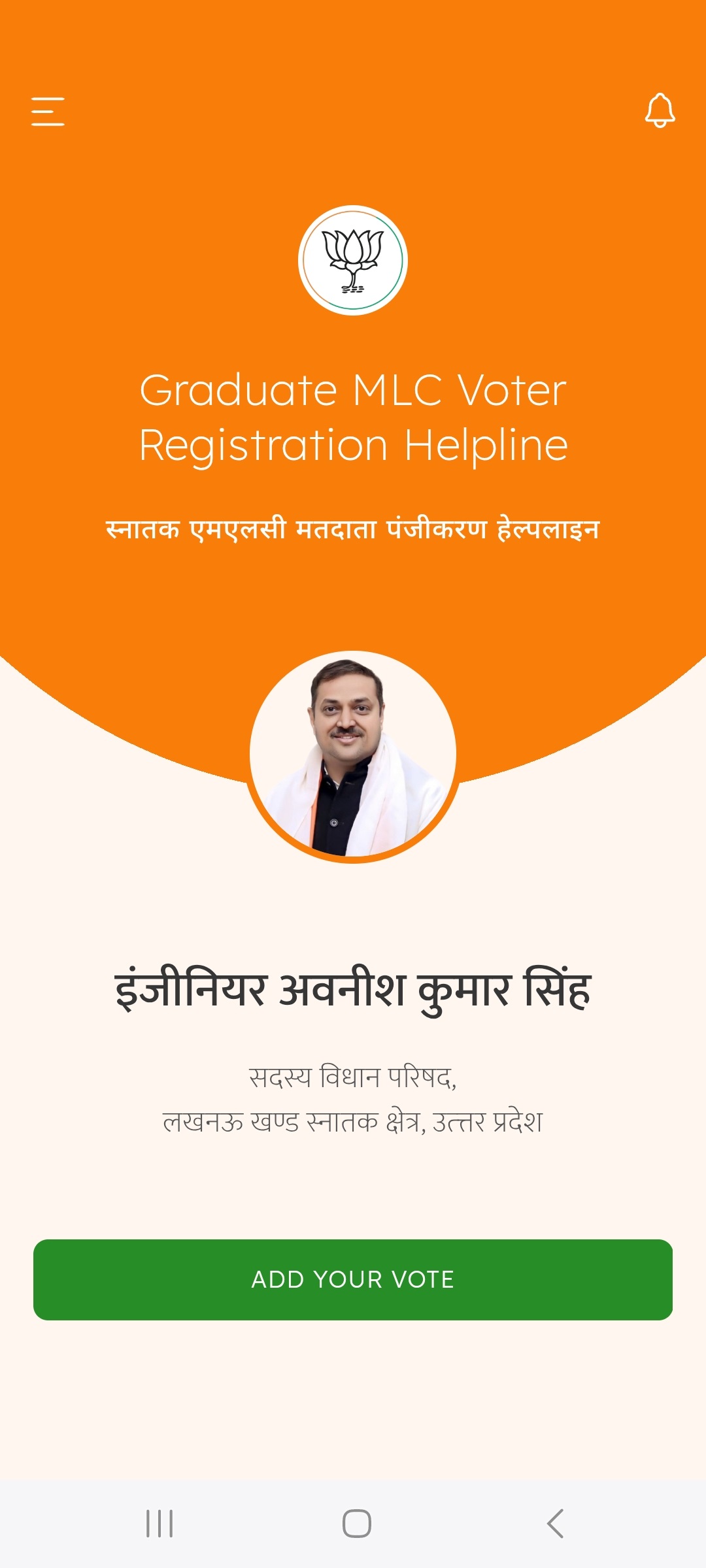
🔷 2. Installation & Setup
-
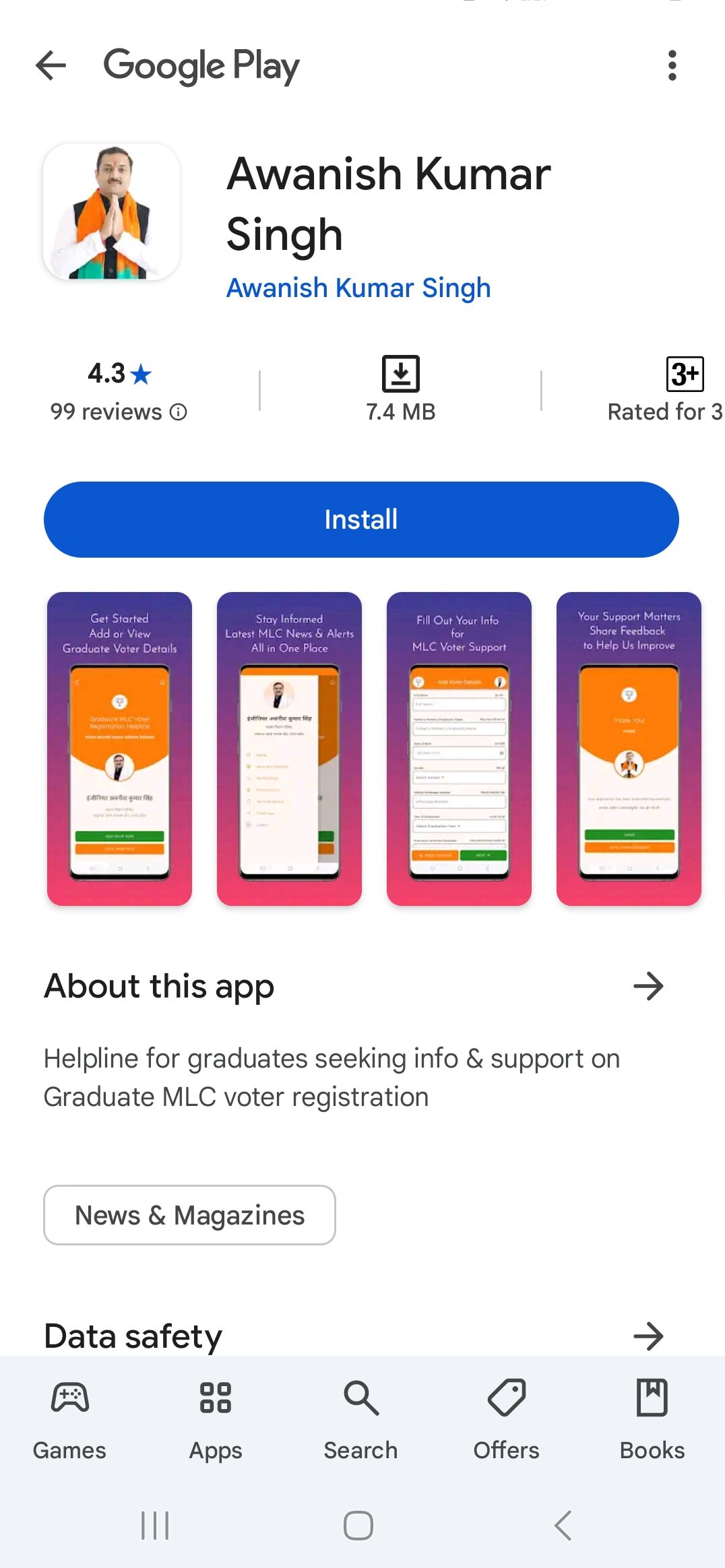
Search for "Awanish Kumar Singh" on the Google Play Store and install the app.
-
Or, simply click here to download directly.
-
Alternatively, scan the QR code provided below.

🔷 3. Login via OTP
-
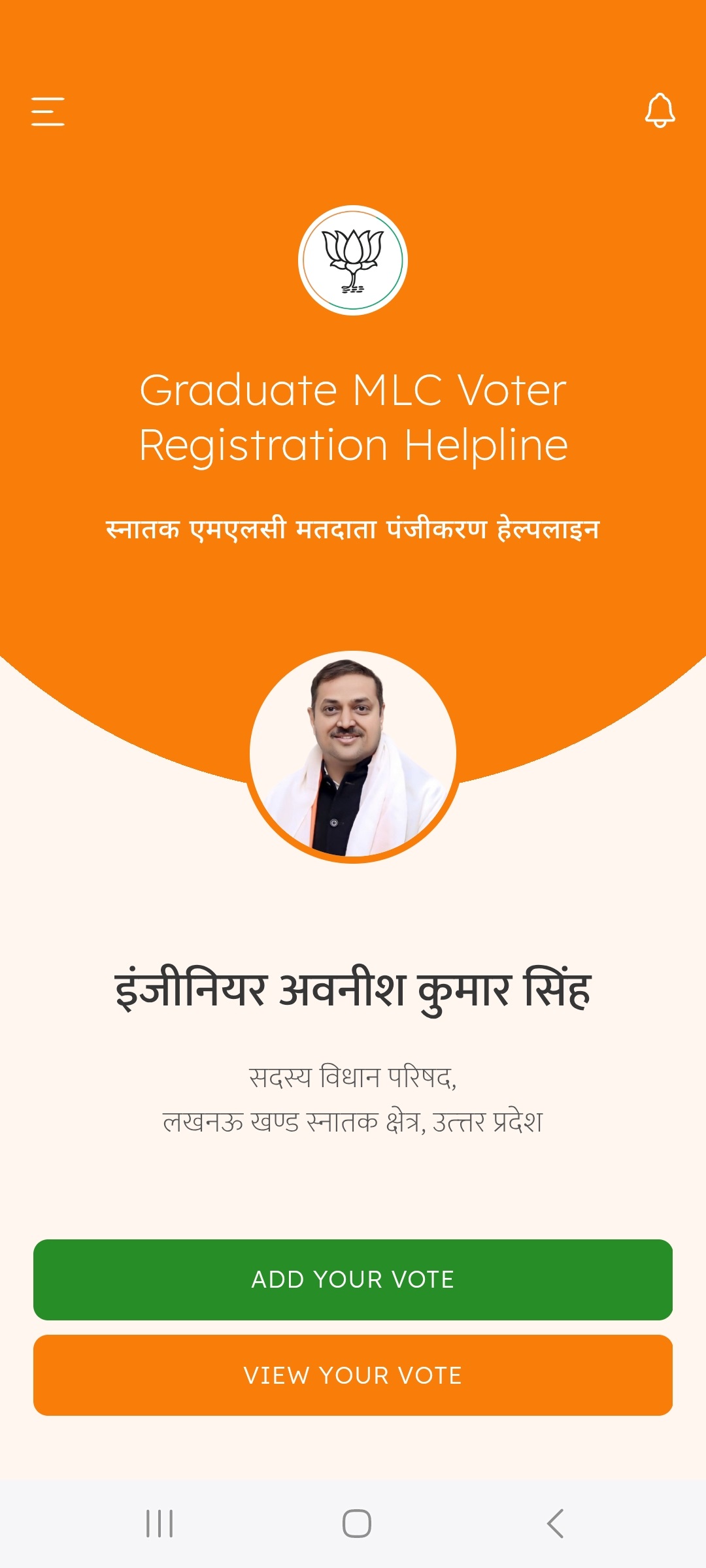
On the Welcome screen, tap "Add Your Vote".
-
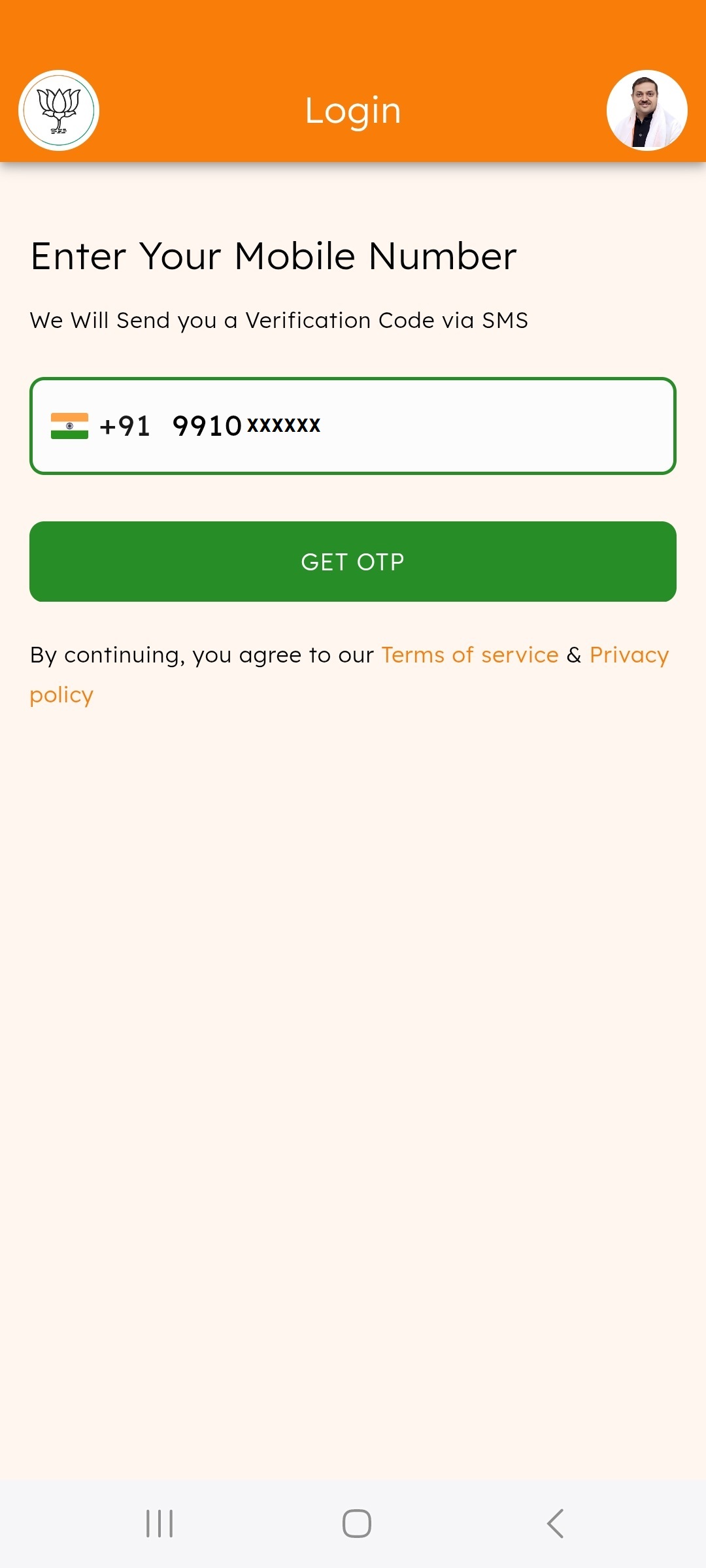
Enter your phone number on the login screen.
-
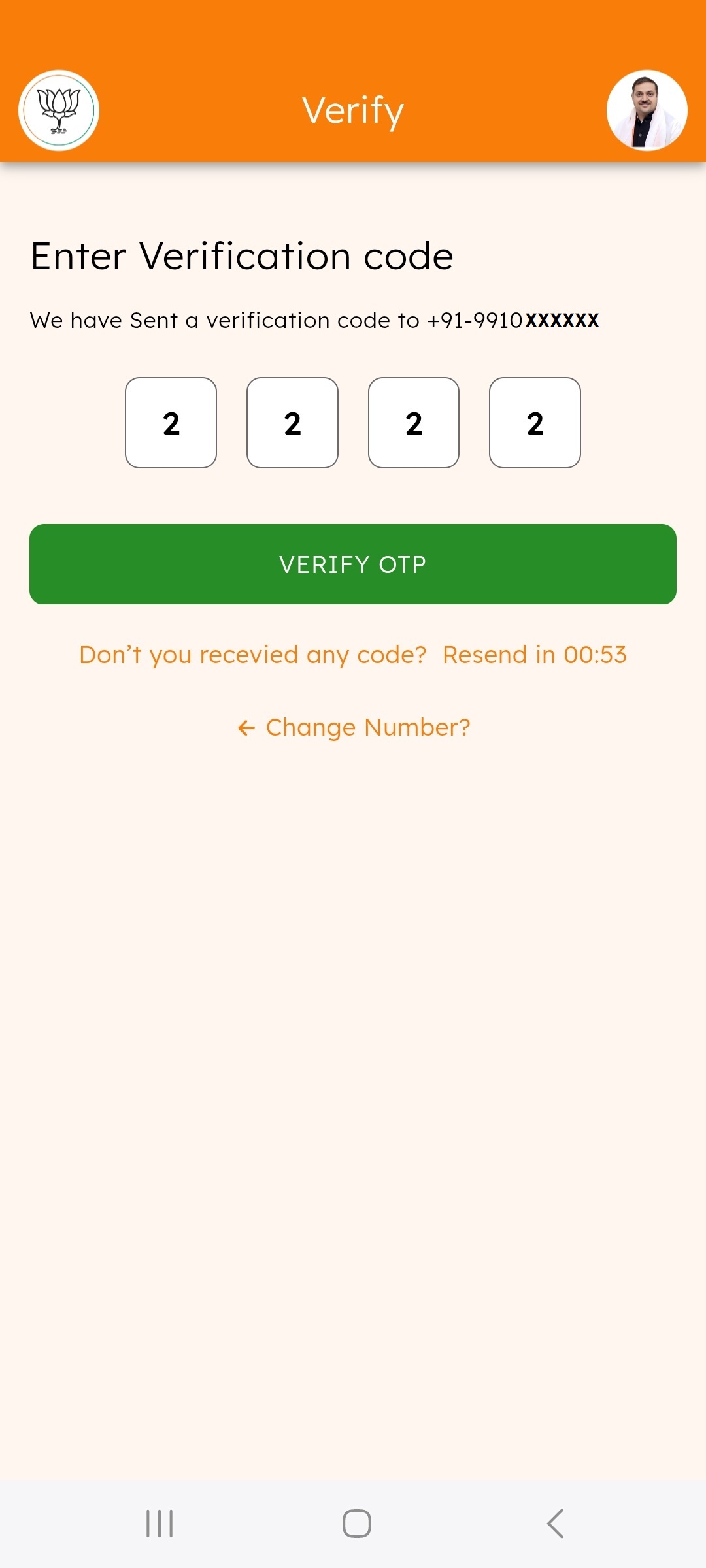
Wait for the OTP to arrive via SMS.
-
Enter the OTP and tap "Verify OTP".
-
Troubleshooting: Didn’t receive the OTP? Check your network signal or tap "Resend OTP".
🔷 4. Add a Voter
-
Tap on "Add Your Vote" from the Home screen.
-
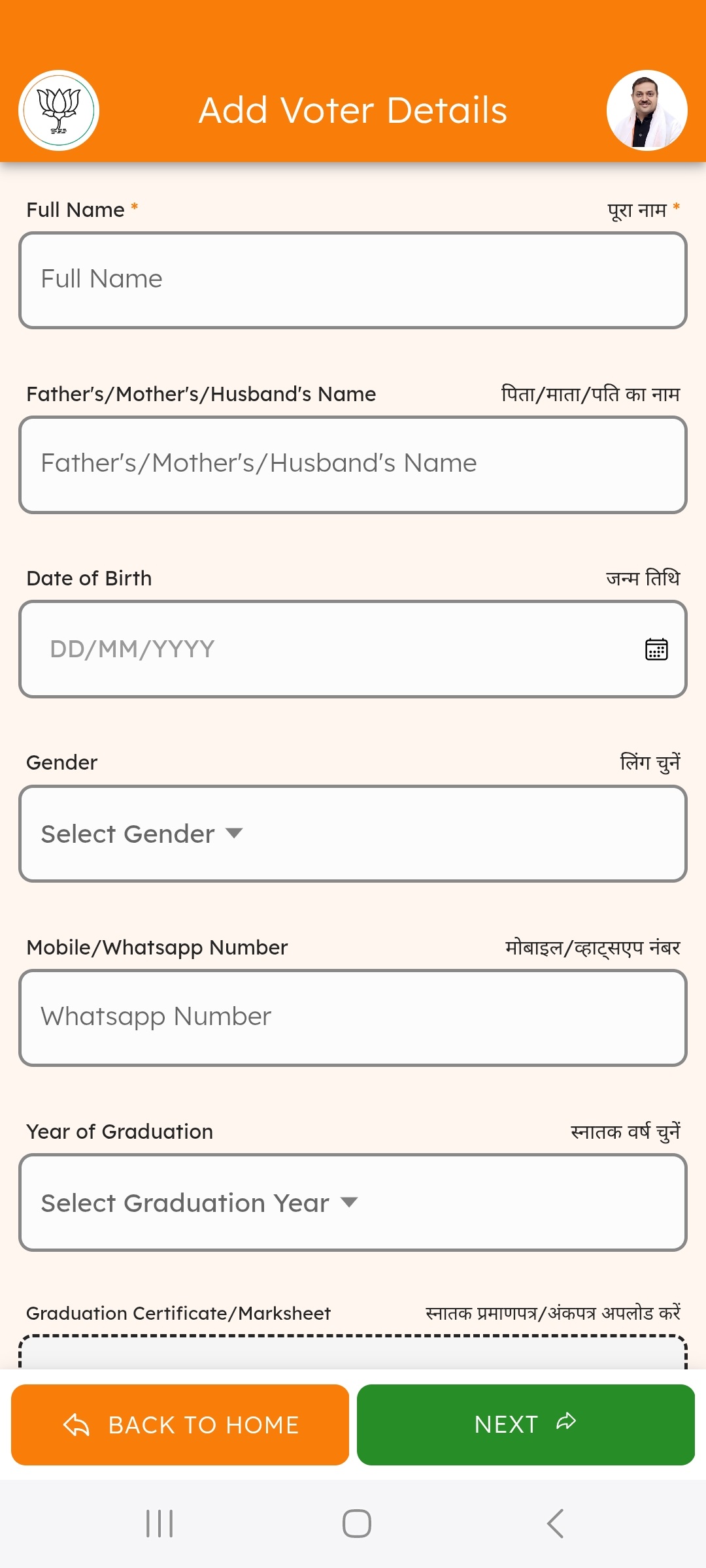
Fill in the required details: Name, Date of Birth, Graduate Certificate, etc.
-
Tap "Next" to enter additional details like District, Full Address, Address Proof, etc.
-
Tap "SUBMIT" to complete the registration.
-
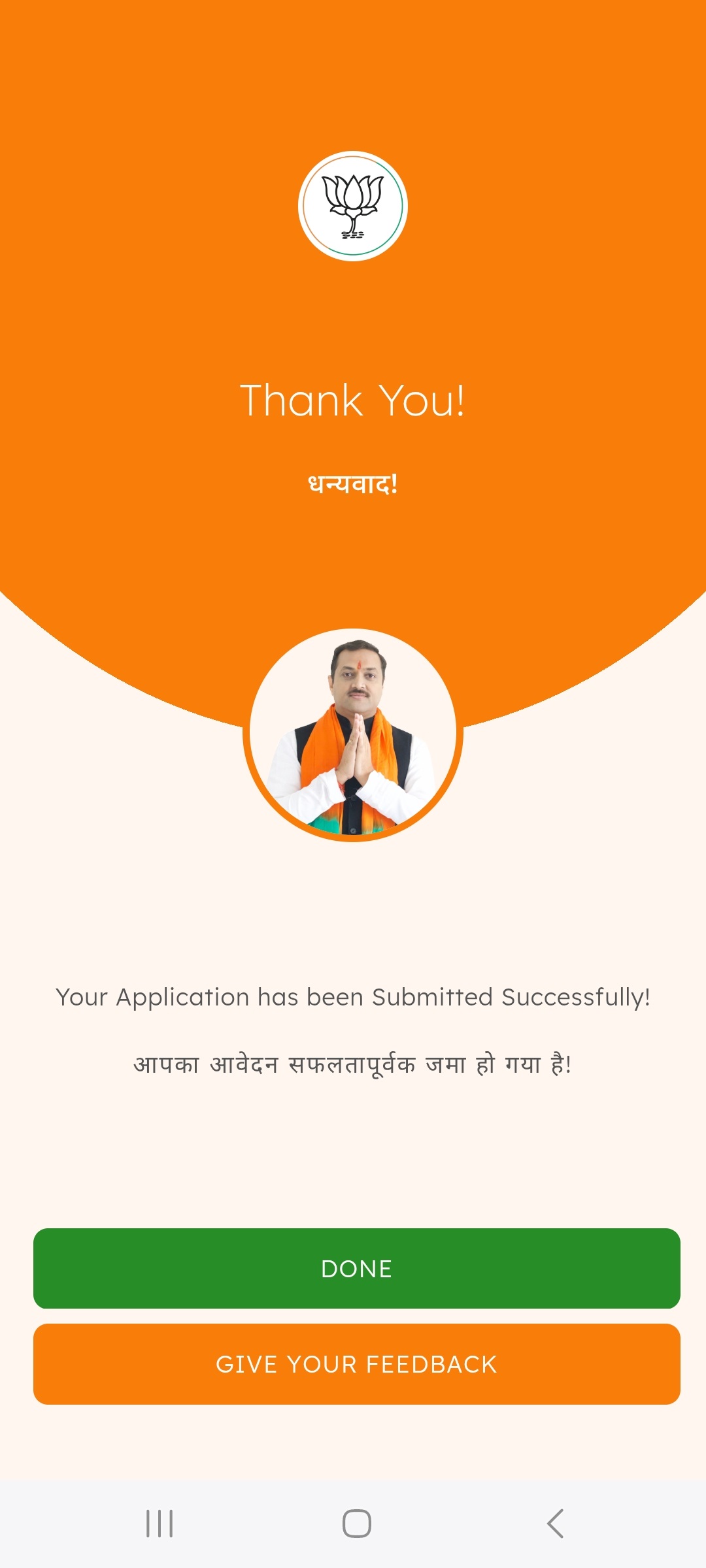
You will be redirected to a Thank You page upon successful submission.
🔷 5. View Your Voters
-
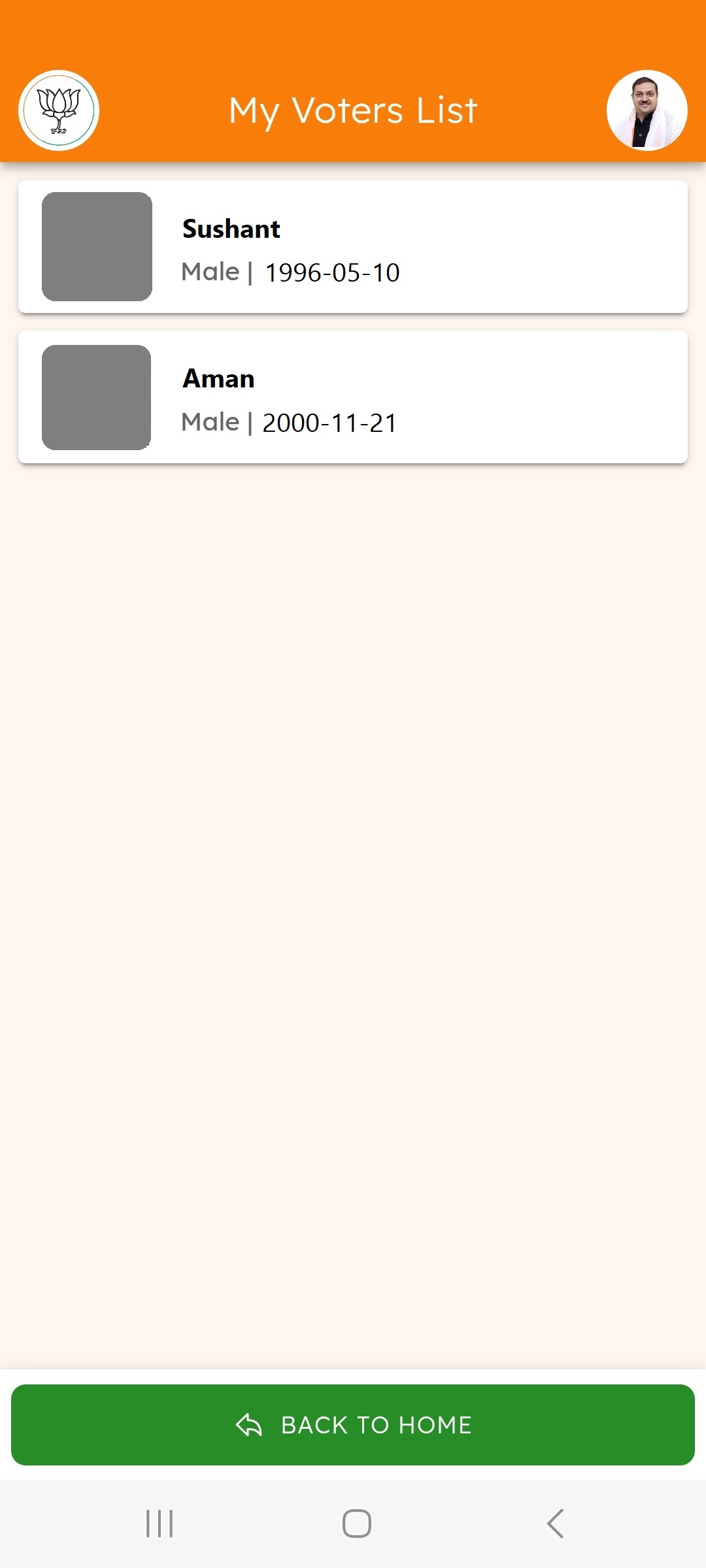
Tap on "View Your Vote" from the Home screen.
-
You will see a list of voters.
-
Tap on any voter from the list.
-
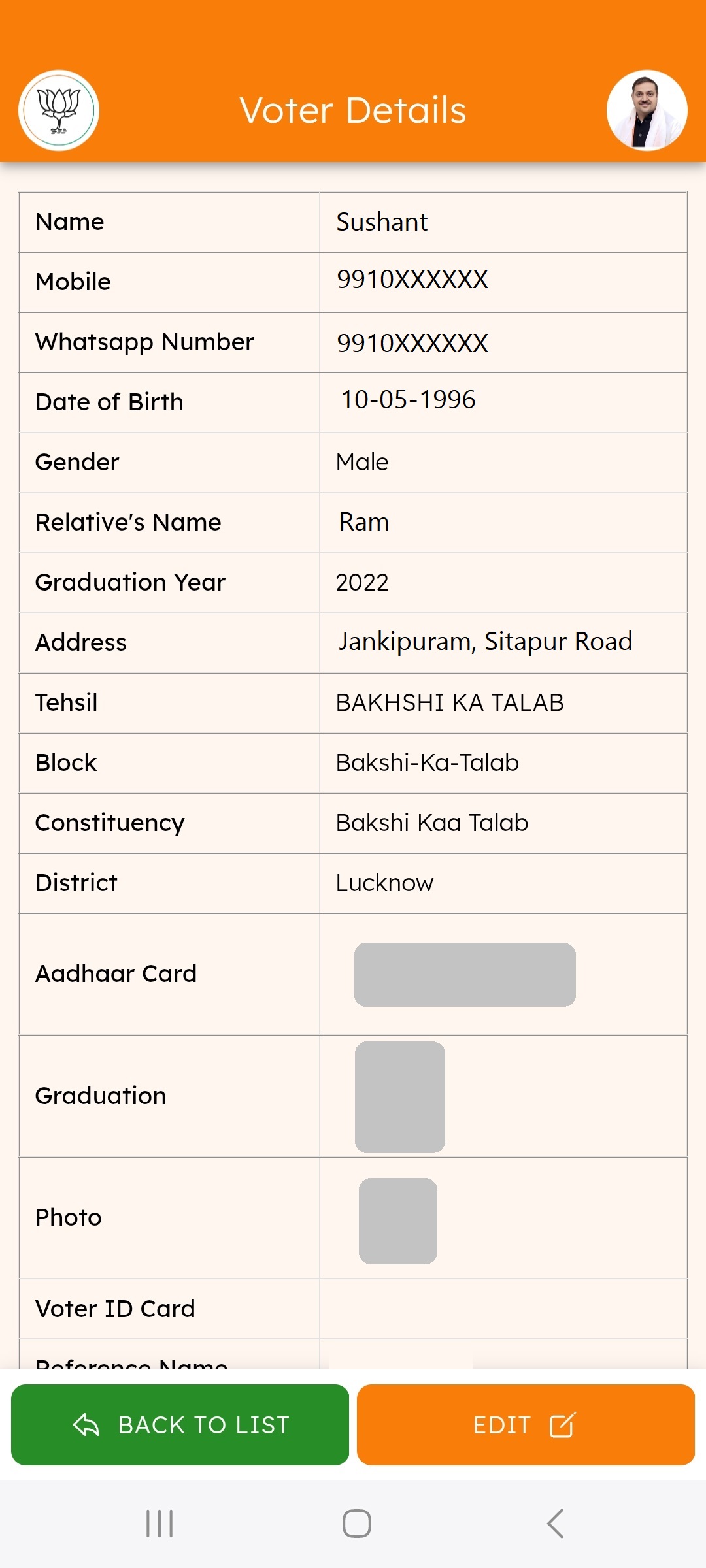
You will see the details of the selected voter.
🔷 5. Edit a Voter
-
On the Voter Detail page, tap "EDIT".
-
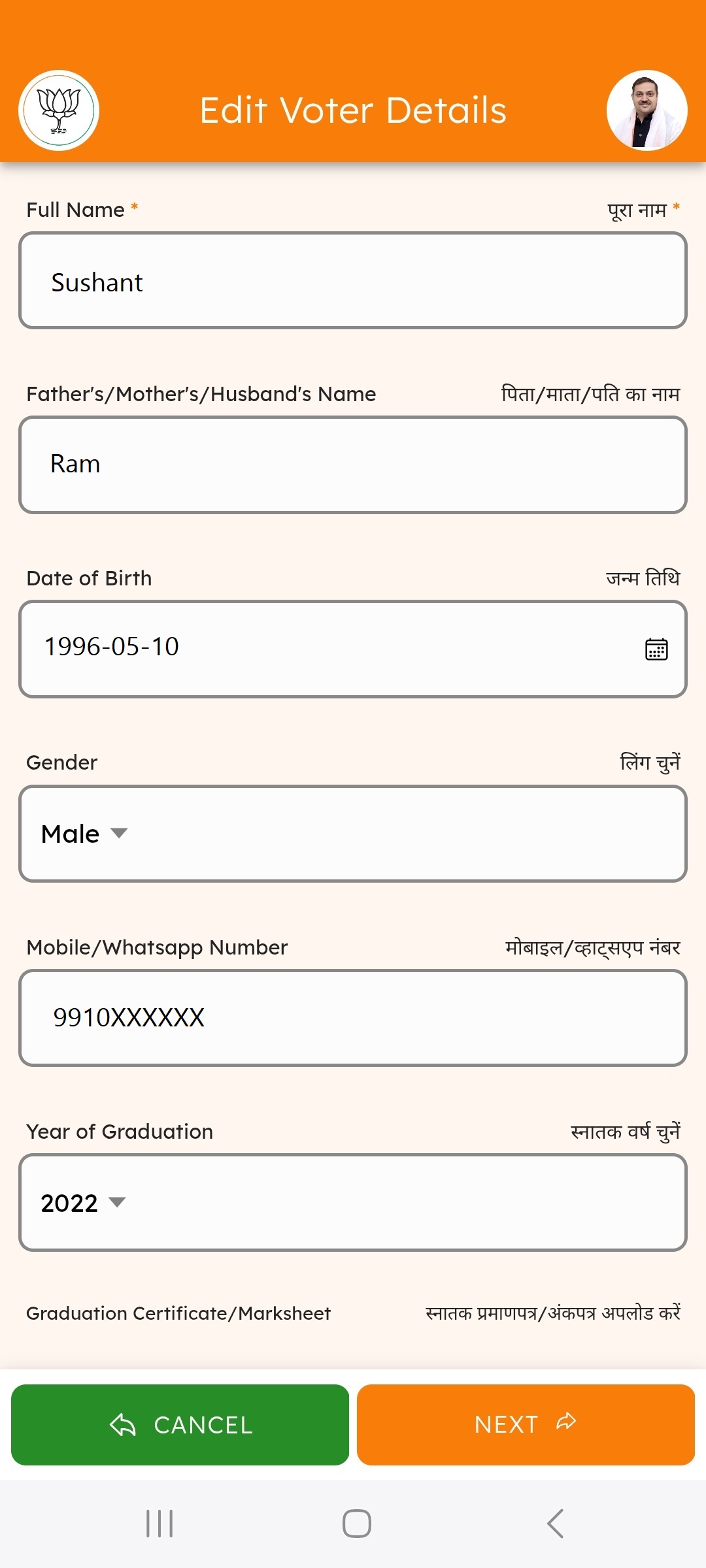
Update the necessary fields: Name, Date of Birth, Graduate Certificate, etc.
-
Tap "Next" to update details like District, Full Address, Address Proof, etc.
-
Save your changes by tapping the "Update" button.
🔷 6. Read News/Updates
-
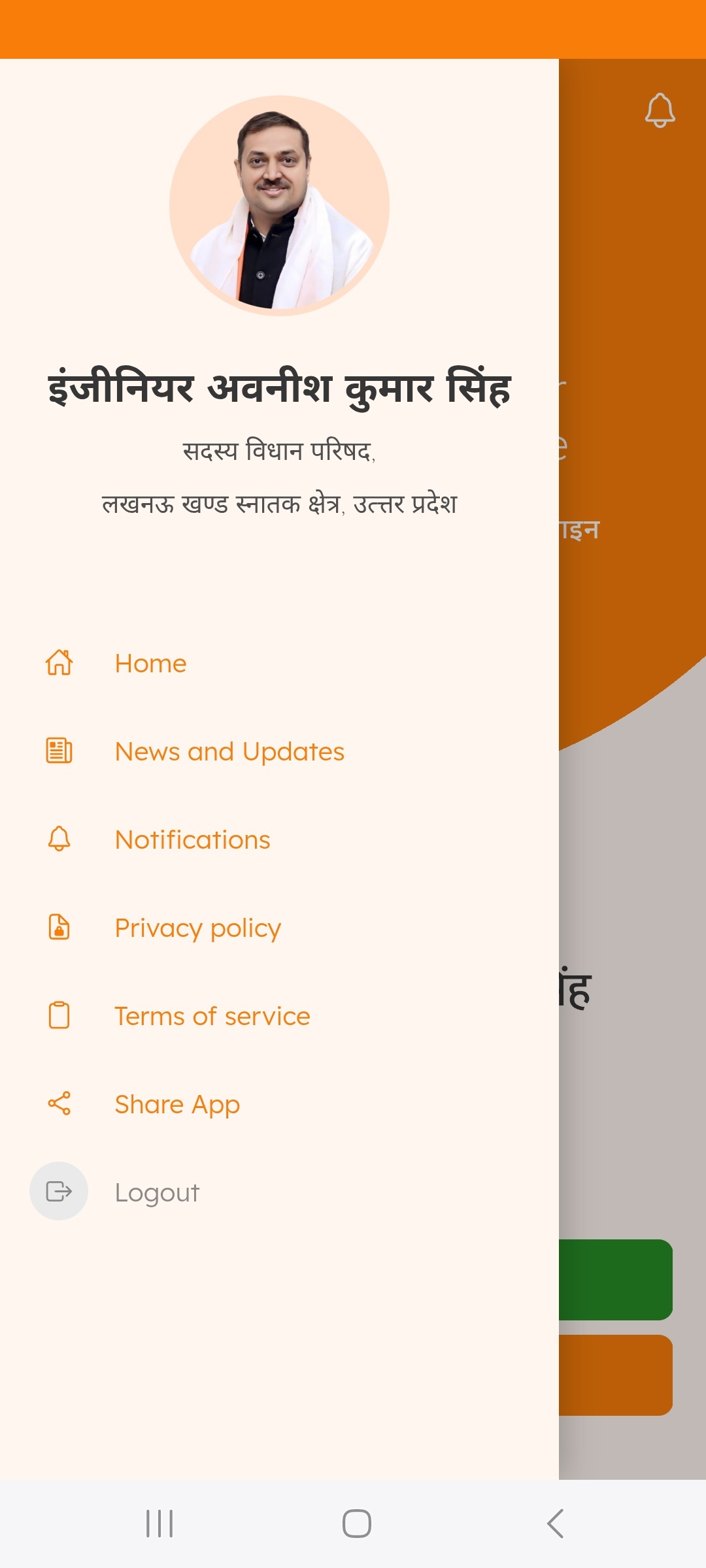
Tap the "News and Updates" button from the menu.
-
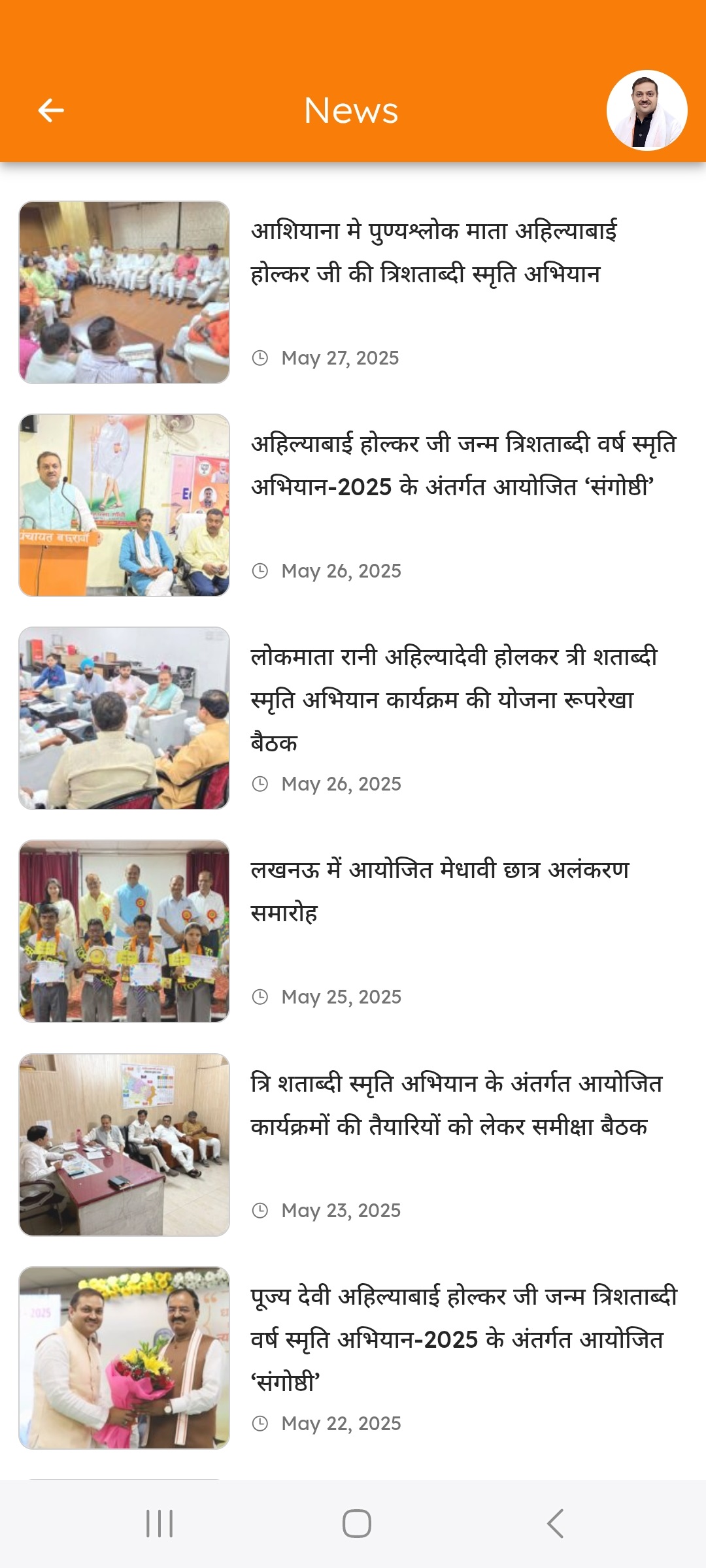
The latest district updates will appear in real-time.
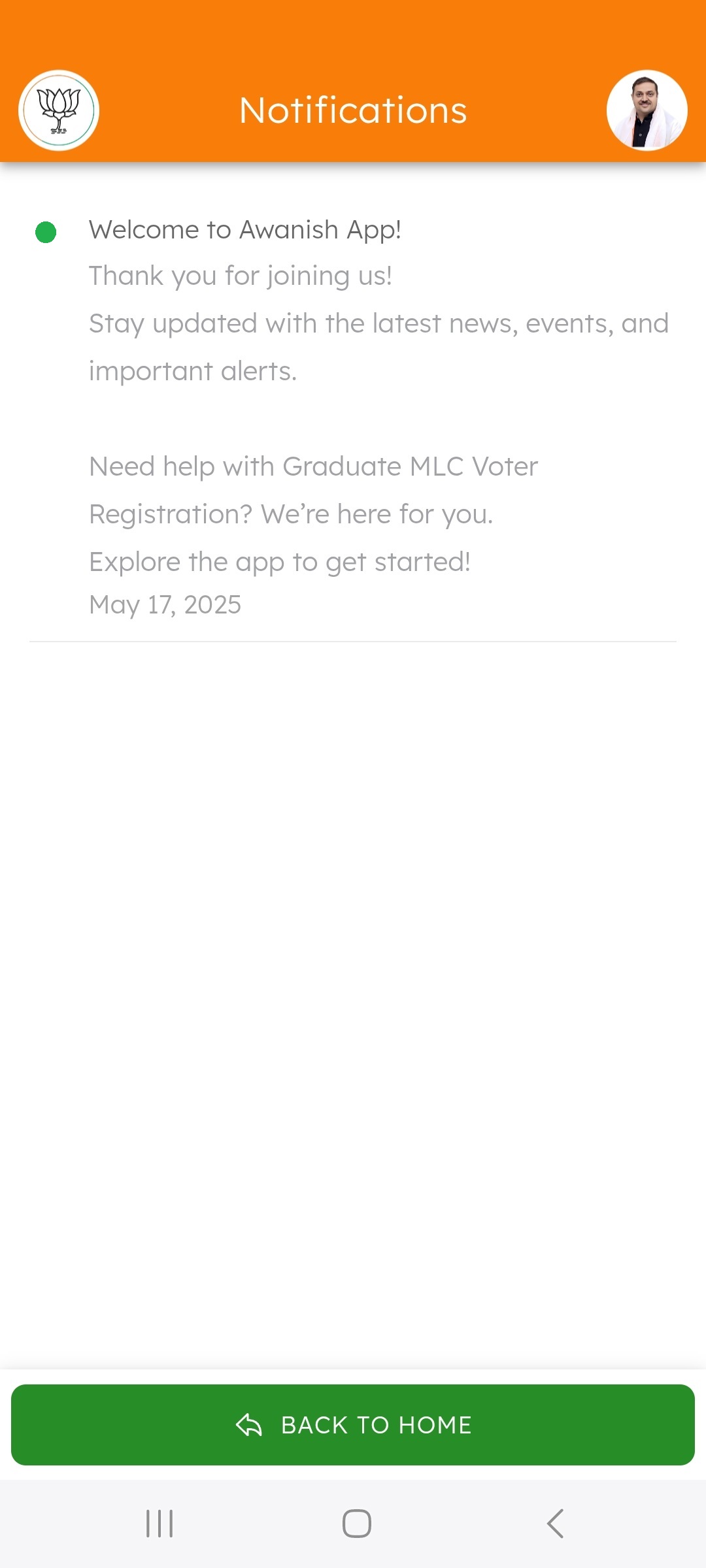
🔷 7. Notifications
-
Users receive notifications when new updates or news are available.
🔷 8. Share the App
-
Tap the "Share App" button from the menu.
-
Invite others via WhatsApp, SMS, or by copying the app link.